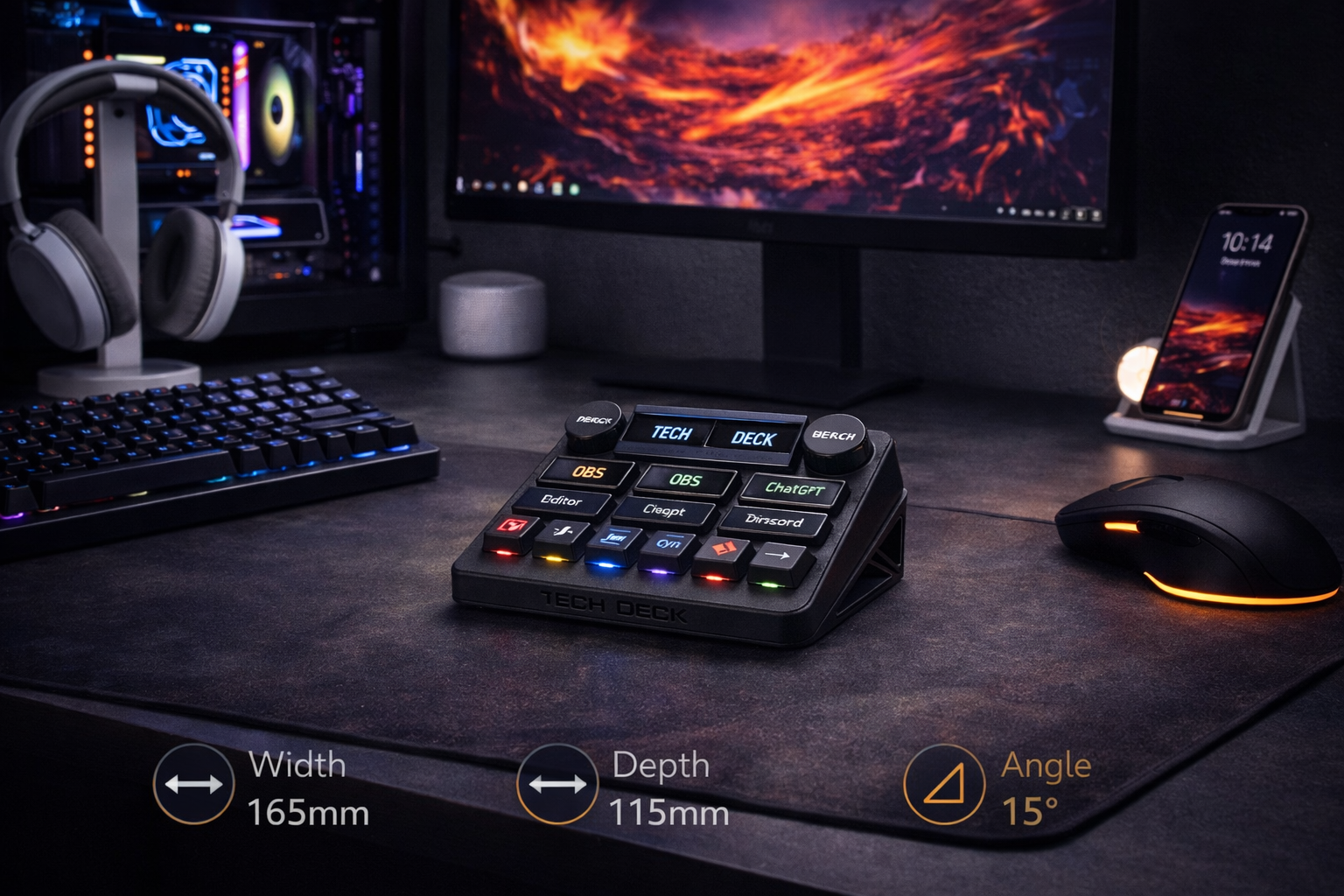
TechDeck Pro

Adaptive Control.
Touch-Driven Precision.

A multi-layer programmable control surface combining touch-enabled OLED interfaces, dual rotary encoders, and real-time application intelligence — engineered for workflows that evolve as fast as you do.

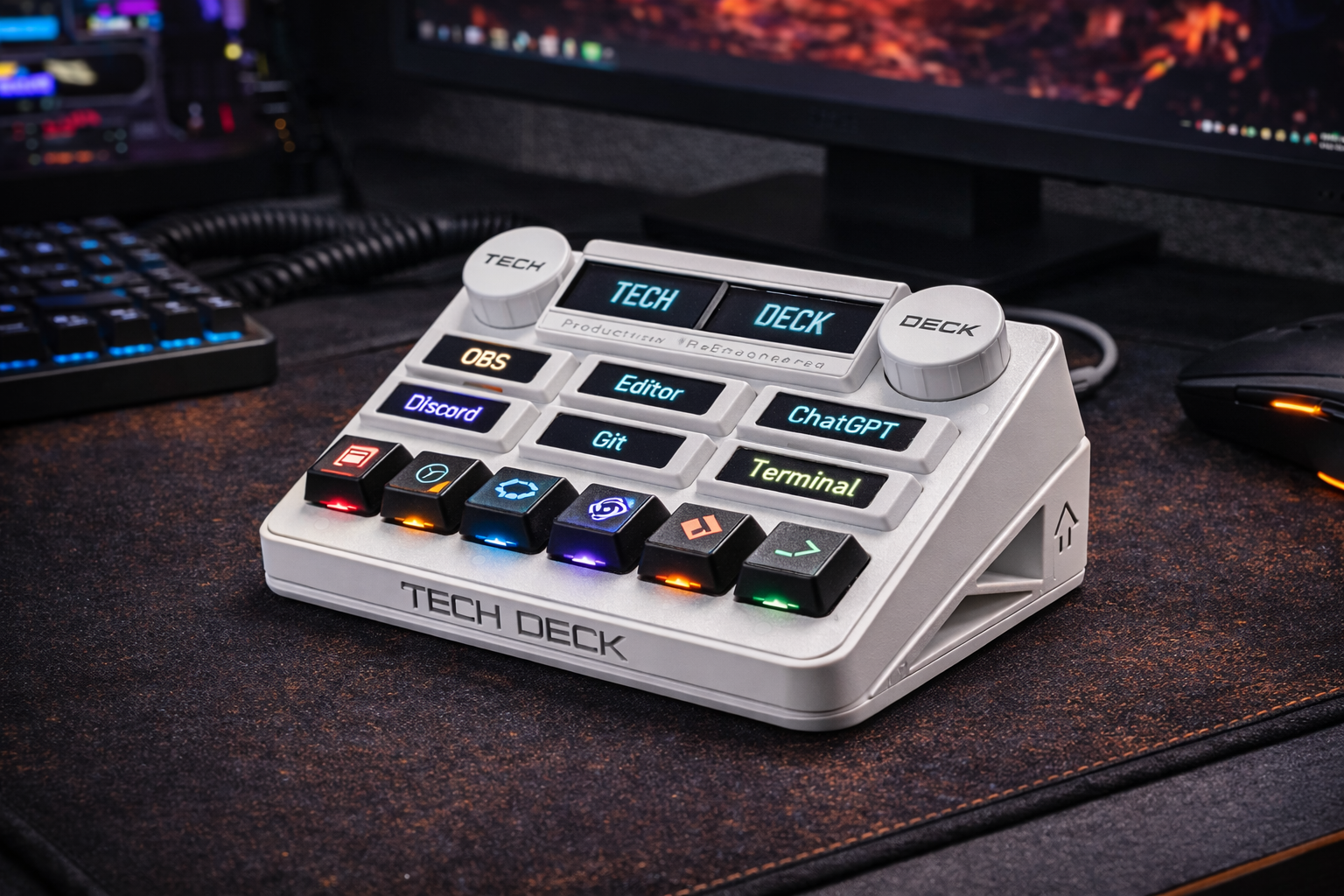
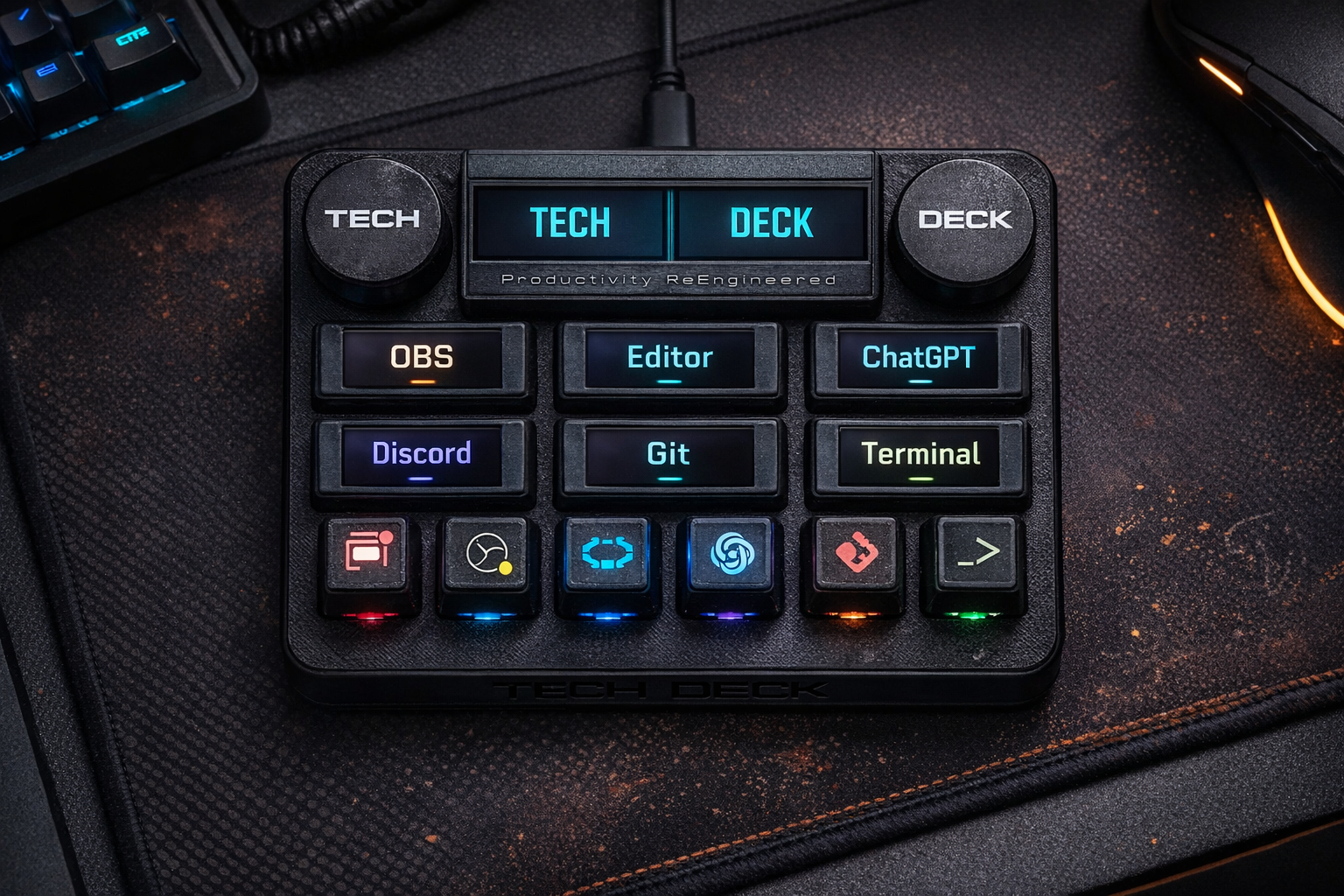
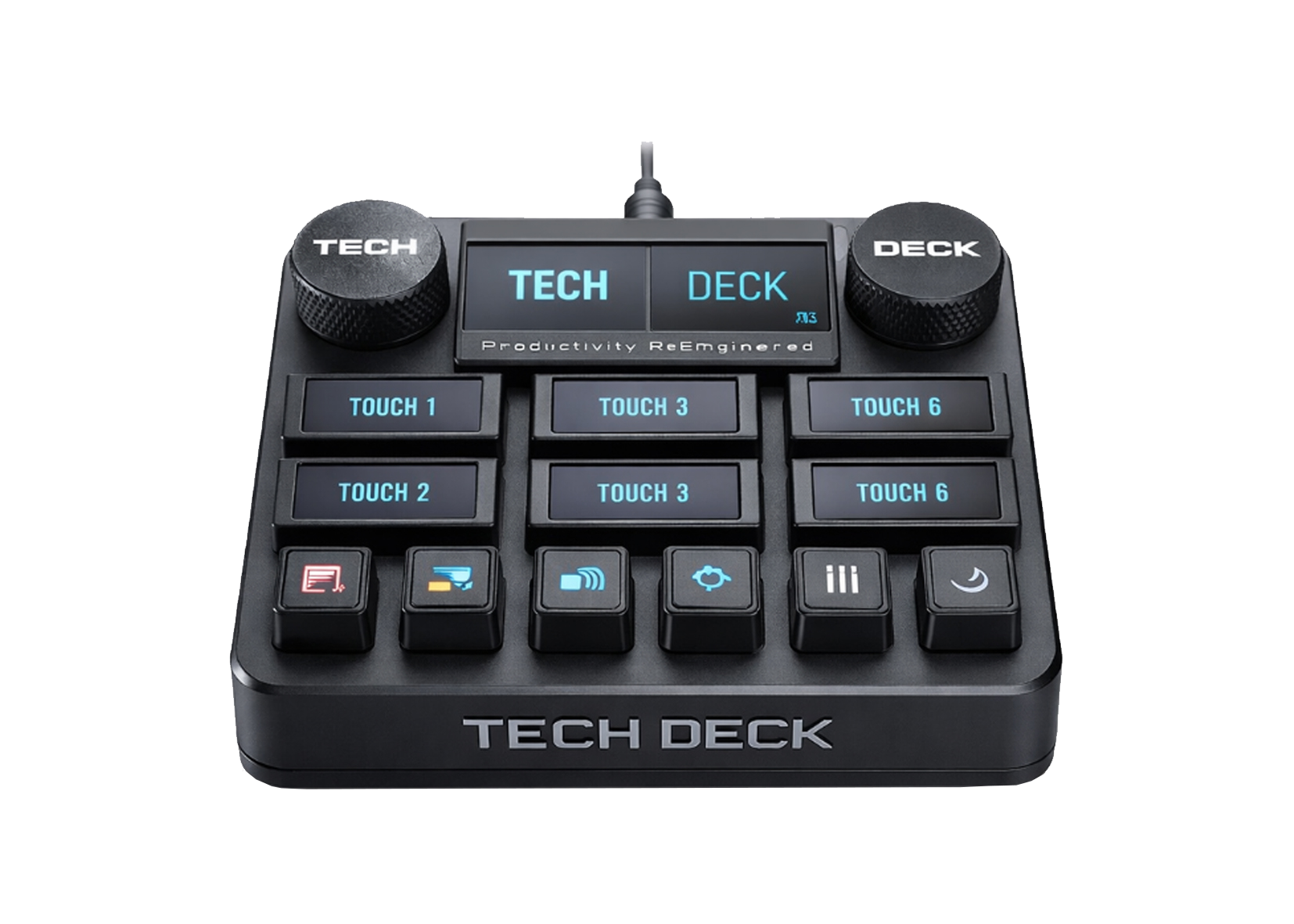
TechDeck Pro Top View

A Dynamic Control Surface — Not Just a Macropad

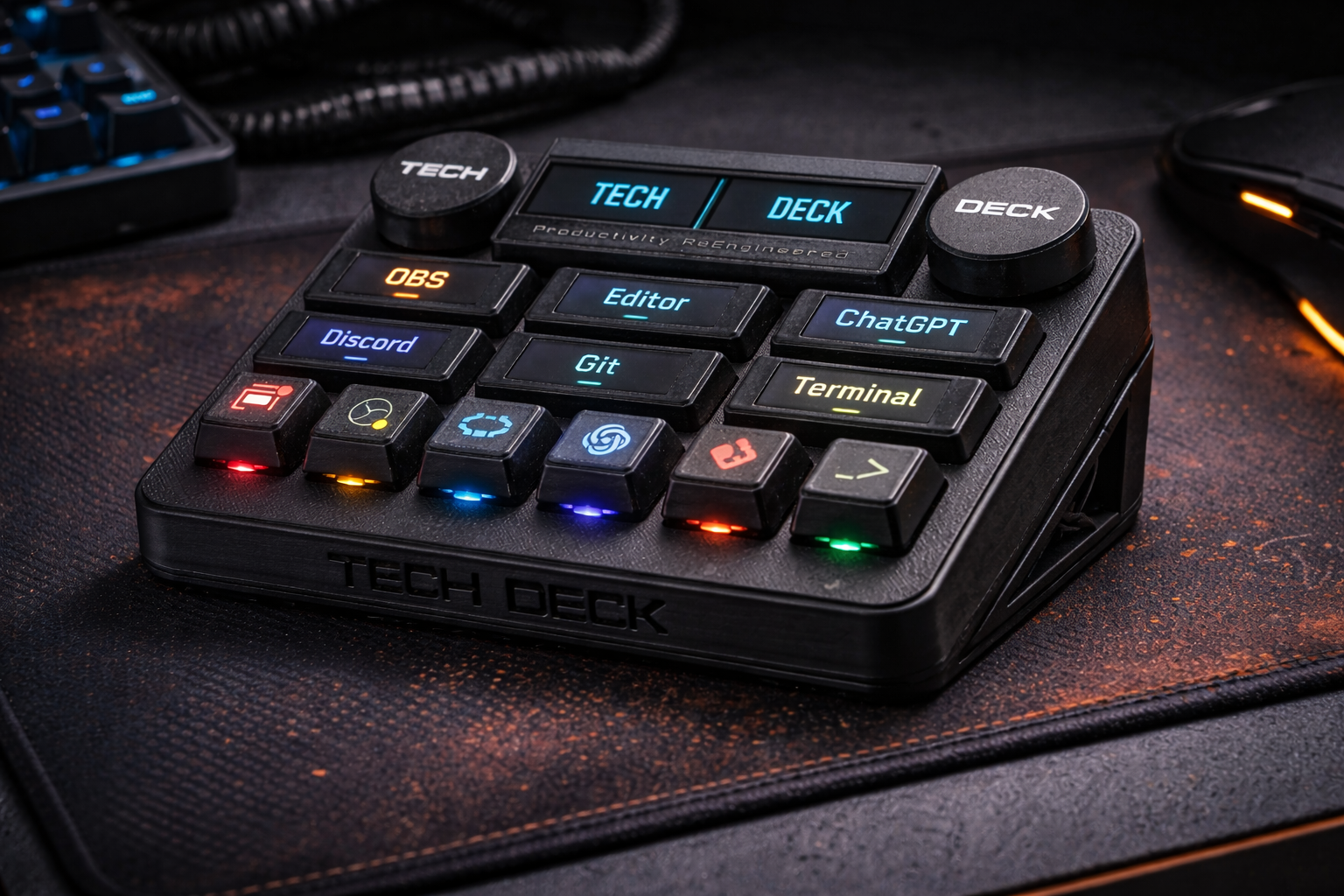
TechDeck Pro redefines hardware interaction by replacing static buttons with context-aware touchscreen OLED modules. With 6 dynamic touch displays, dual encoders, and a layered control system, it transforms from a macropad into a live control interface tailored to your active workflow.

6 Touch OLED Modules

Interactive, app-aware macro surfaces with visual feedback.

Dual Rotary Encoders

Independent precision control for multi-parameter workflows.

Layer Toggle System

Instantly switch macro layers using the dedicated side-shift key.

Foreground Intelligence

Auto-remaps controls based on active applications.
Core Capabilities

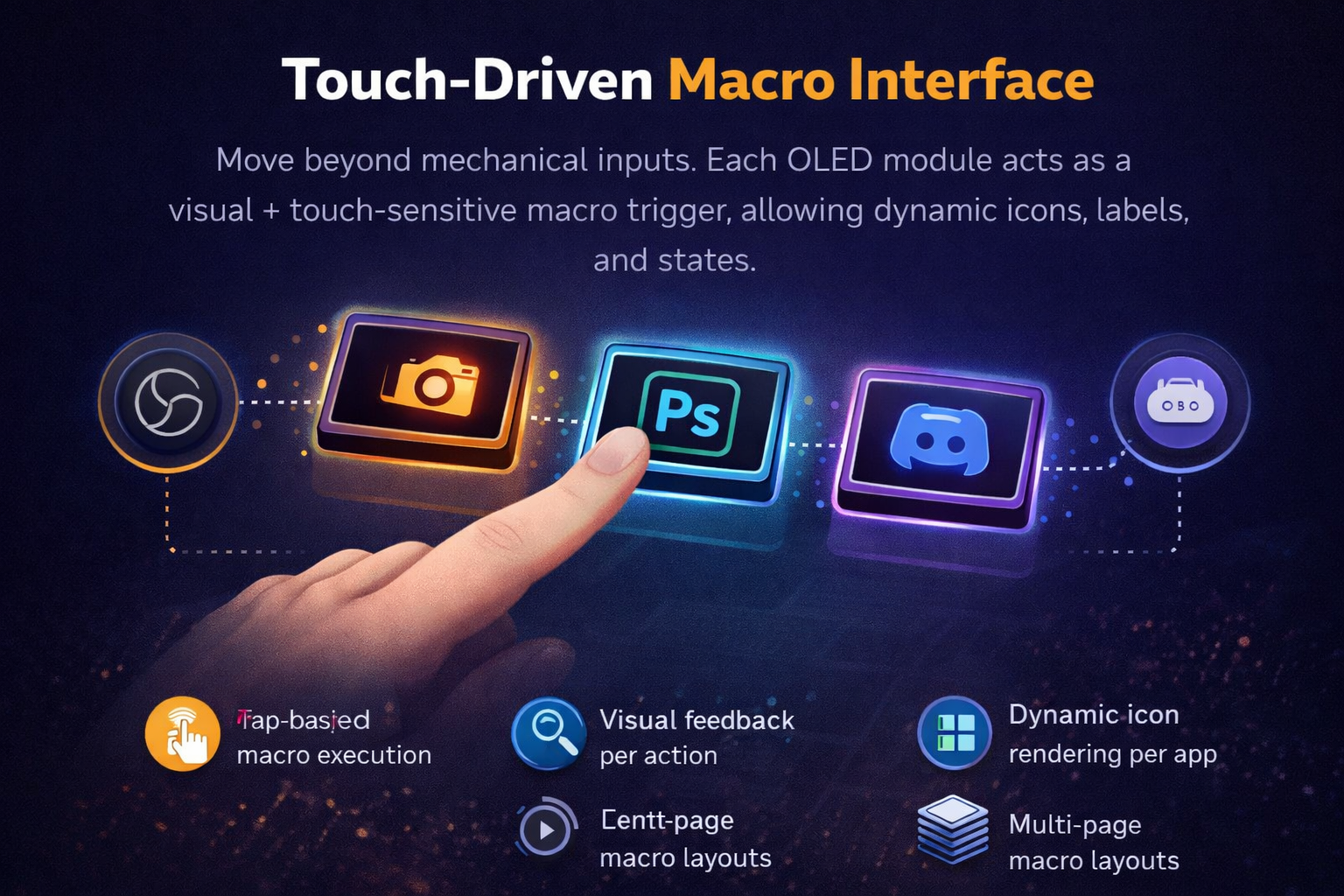
Touch-Driven Macro Interface

Move beyond mechanical inputs. Each OLED module acts as a visual + touch-sensitive macro trigger, allowing dynamic icons, labels, and states.

  • tap-based macro execution
  • visual feedback per action
  • dynamic icon rendering per app
  • multi-page macro layouts
Touch-Driven Interface

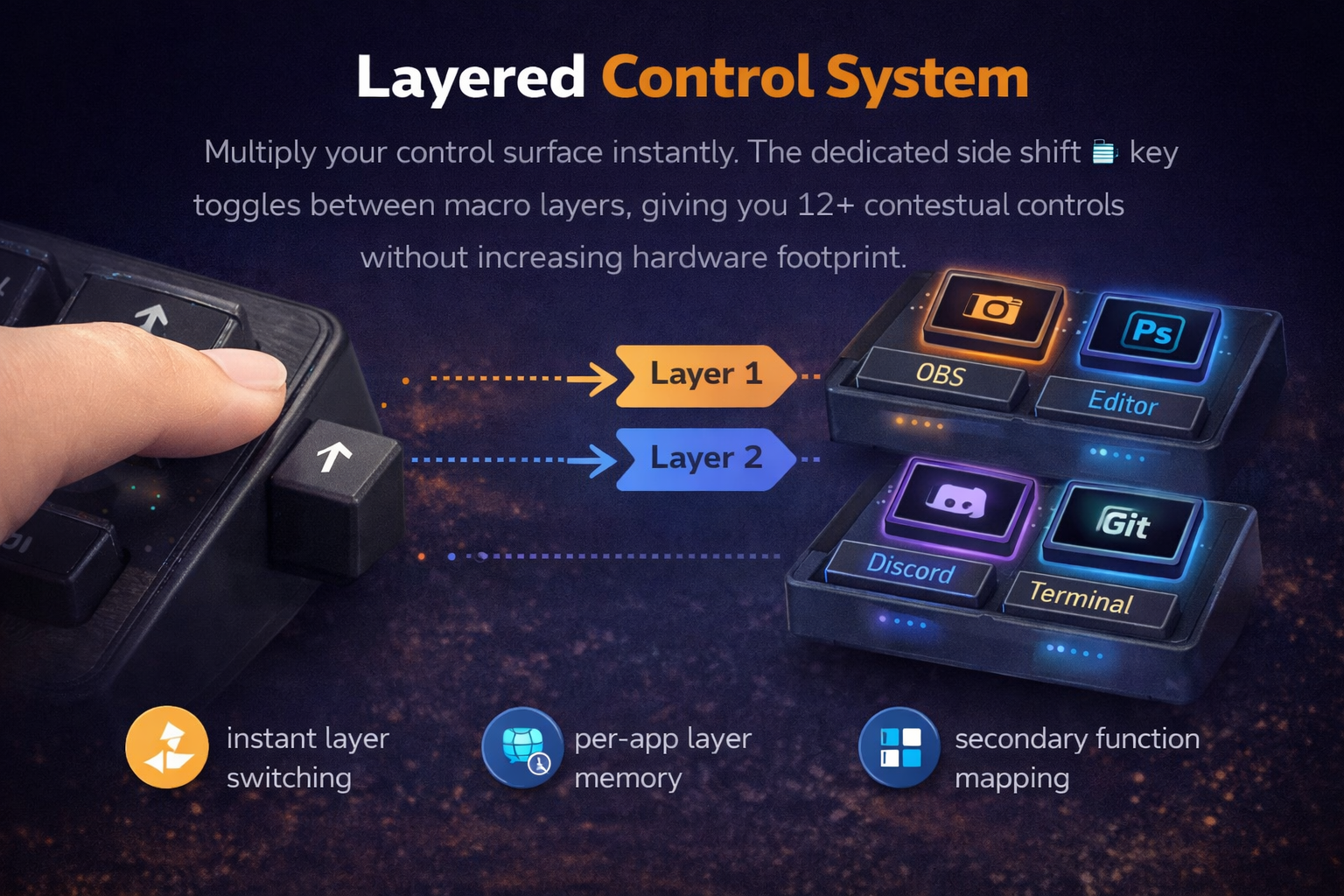
Layered Control System

Multiply your control surface instantly. The dedicated side shift key toggles between macro layers, giving you 12+ contextual controls without increasing hardware footprint.

  • instant layer switching
  • per-app layer memory
  • secondary function mapping
  • workflow segmentation
Layered Control System

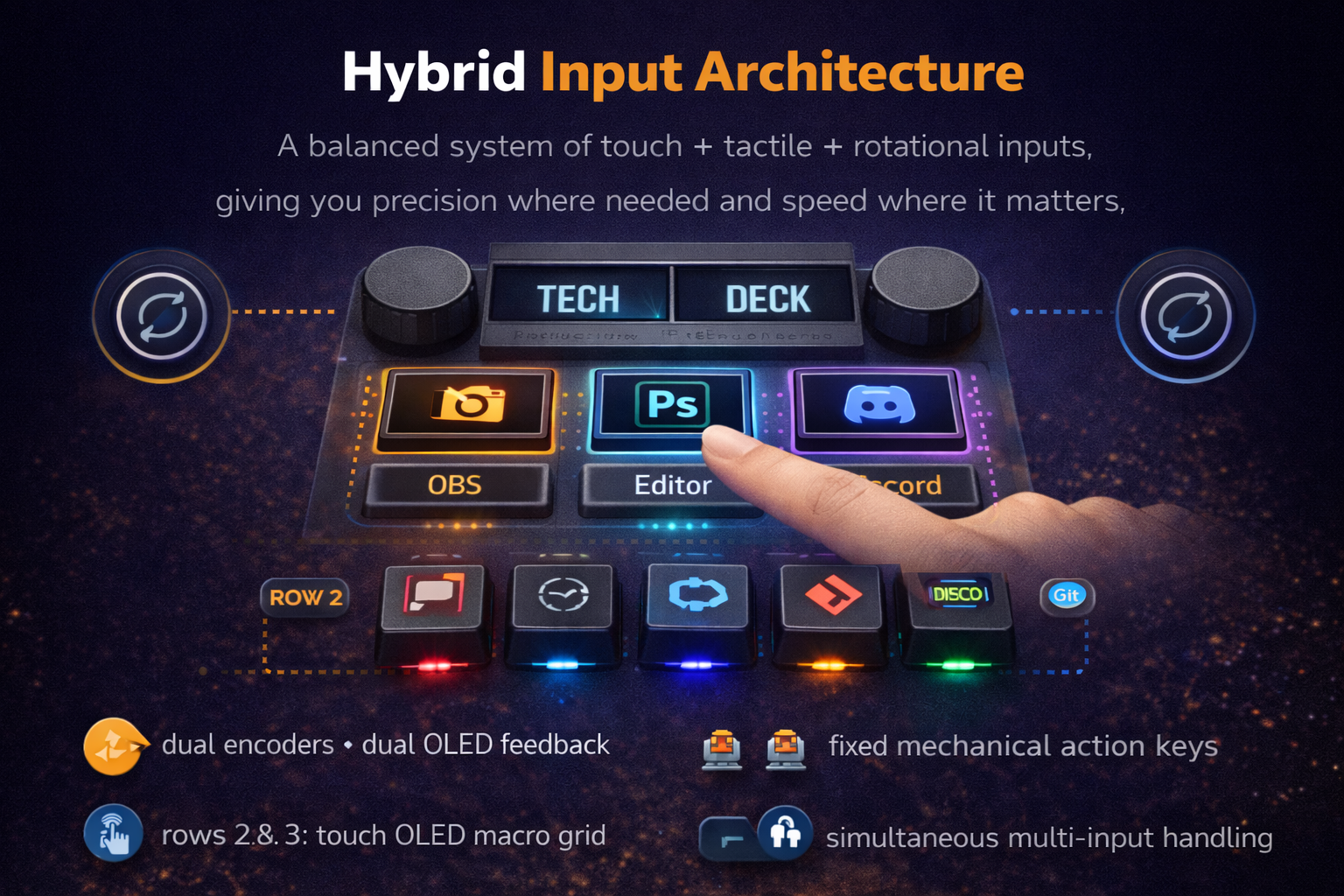
Hybrid Input Architecture

A balanced system of touch + tactile + rotational inputs, giving you precision where needed and speed where it matters.

  • row 1: dual encoders + dual OLED feedback
  • rows 2 & 3: touch OLED macro grid
  • row 4: fixed mechanical action keys
  • simultaneous multi-input handling
Hybrid Input Architecture

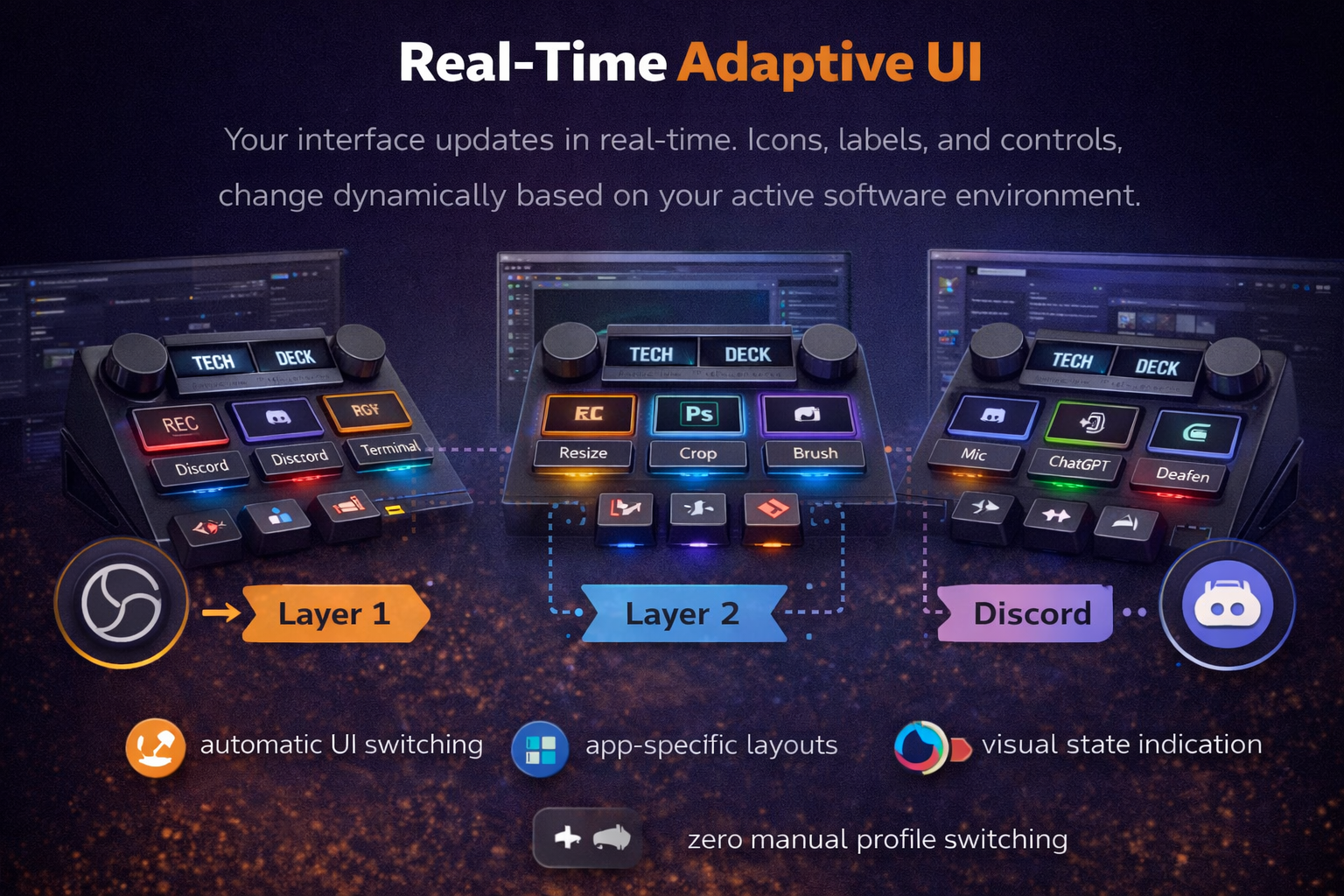
Real-Time Adaptive UI

Your interface updates in real-time. Icons, labels, and controls change dynamically based on your active software environment.

  • automatic UI switching
  • app-specific layouts
  • visual state indication
  • zero manual profile switching
Real-Time Adaptive UI

Technical Specifications (Pro)

INPUT SYSTEM

Hybrid: Touch OLED + Mechanical + Rotary

DISPLAY ARRAY

2 × 1.3" OLED (top) + 6 × 0.91" Touch OLED (grid)

ENCODERS

Twin ALPS High-Precision Rotary Knobs.

MCU

STM32 F401 BlackPill (High Performance).

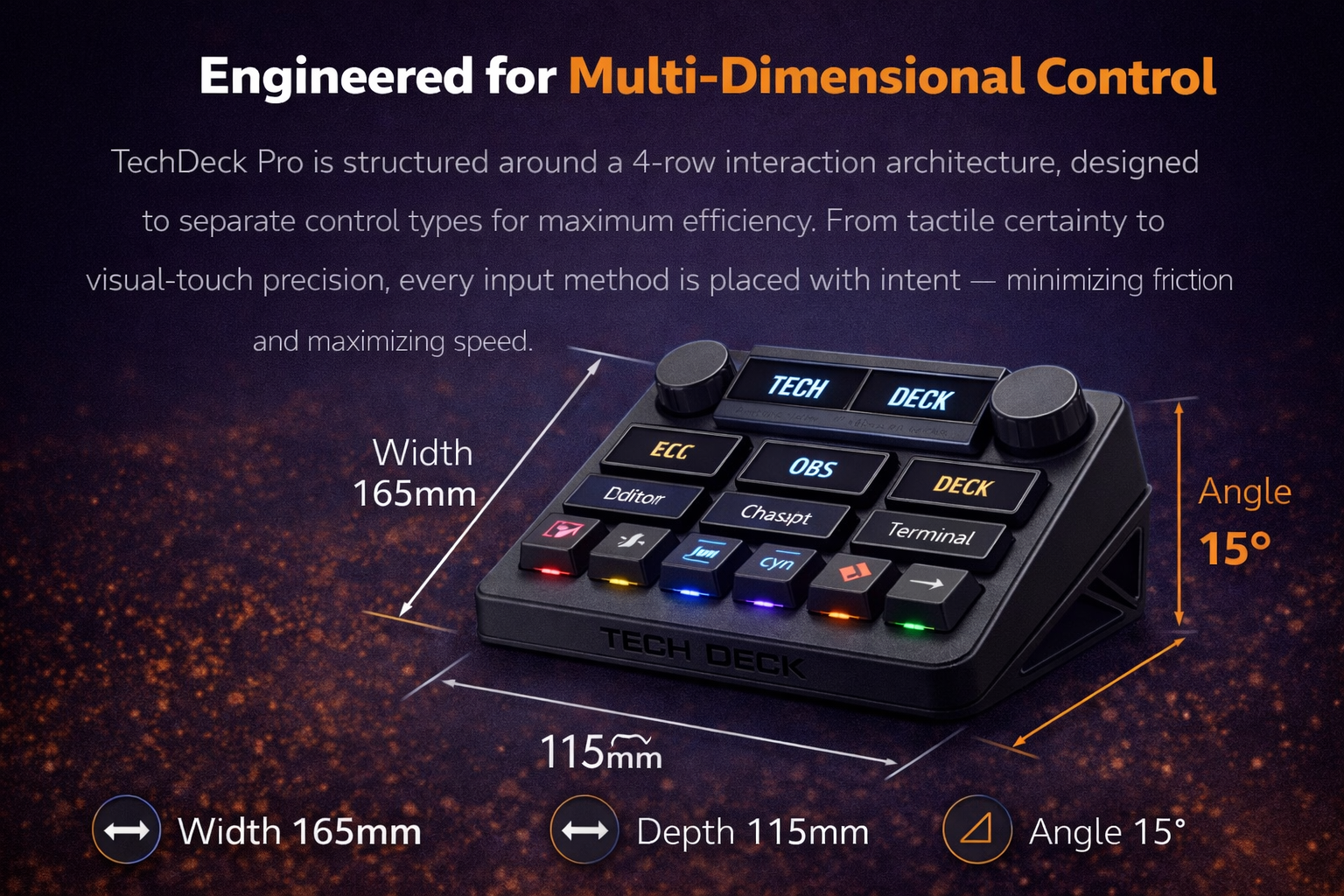
Engineered for Multi-Dimensional Control

TechDeck Pro is structured around a 4-row interaction architecture, designed to separate control types for maximum efficiency. From tactile certainty to visual-touch precision, every input method is placed with intent — minimizing friction and maximizing speed.

Width 165mm
Depth 115mm
Angle 15°
Pro Specification Drawing

Professional Control Ecosystems

Professional Ecosystem

Content Creators

Live switching, timeline scrubbing, audio balancing — all visible, all touch-driven.

  • OBS scene + source control
  • Premiere timeline jump / cut
  • Audio level encoder mapping

Developers

Control your environment without leaving your editor. Launch builds and manage containers.

  • run scripts / builds
  • Git workflows (commit/push/pull)
  • Terminal command triggers

Power Users

Turn your system into a command center with automated workflow chains.

  • app launcher grid
  • system monitoring panels
  • smart home / API triggers

Built for Professionals

Feature TechDeck Pro Generic Pads
Touch Interface
Multi-layer OLED UI
Hybrid Input System
Visual Macro Feedback
MCU Architecture STM32 High Perf. Basic 8-bit

Evolving Interface

Touch UI animations
Custom icon packs
Wireless mode
Haptic feedback layer
Plugin marketplace

This Isn’t a Macropad. It’s a Control System.

Built for those who outgrow static tools — and demand interfaces that adapt with them.